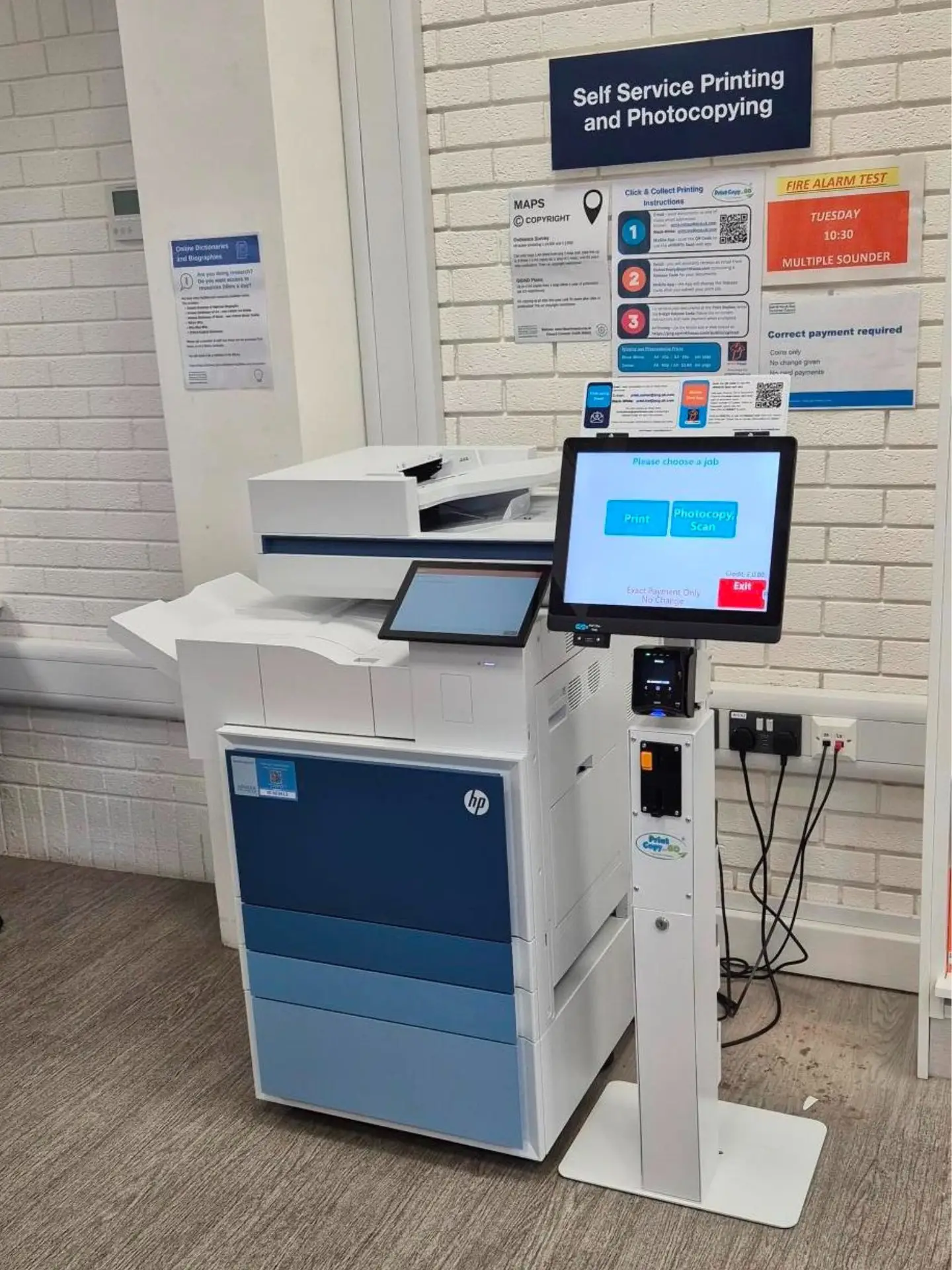


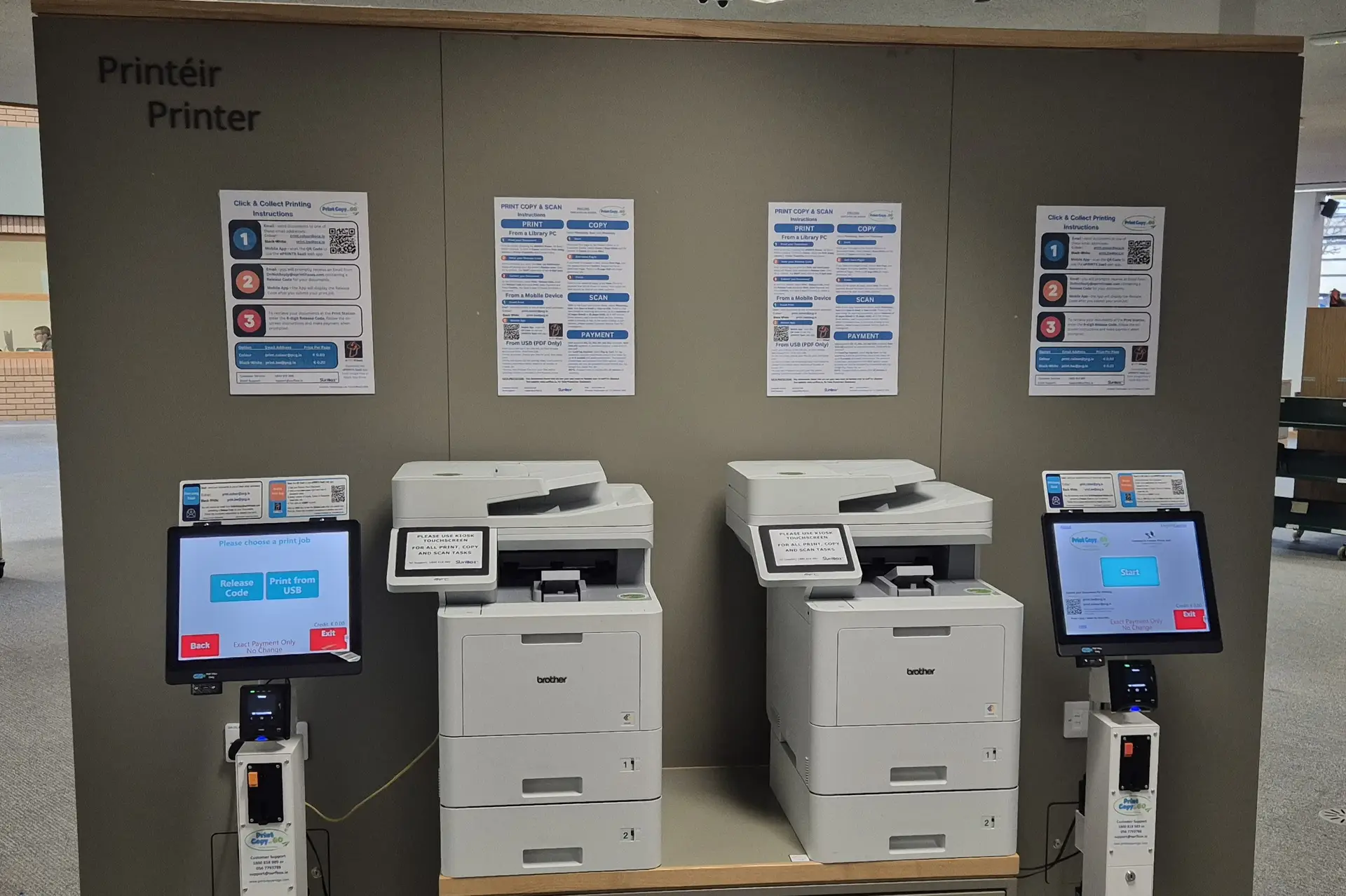

Self‑Service Print / Copy / Scan Kiosks
Bring effortless, pay‑as‑you‑go printing to your library, school, or public space with SurfBox’s Print Copy & Go kiosks. Designed for institutions that value convenience, accessibility, and security, our kiosks transform everyday printing into a fully managed self‑service experience.
Works with all major MFP Printers


Why Choose SurfBox Kiosks and Software
Public facilities are expected to deliver more with fewer resources. SurfBox kiosks help you do exactly that — by automating printing, copying, and scanning, so staff can focus on what matters most.
Key Benefits

Empower users
Allow anyone to print, copy, or scan instantly — without staff assistance.

Generate revenue
Introduce a self funding service or a new income stream for your facility.

Reduce workload
Eliminate queue management and payment handling for staff.

Modern & inclusive
Cloud and mobile printing, multilingual menus, wheelchair accessible design.

Flexible payments
Accepts coins, notes, cards, and contactless payments.

Fully managed
Installation, remote monitoring, and servicing handled by SurfBox.

How it works
- Send your document – Users can send files via email, web app or print directly from a PC.
- Enter Release Code –Enter the release code, received by email or in the app, to release your print.
- Pay securely – via cash, card, or mobile payment.
- Collect instantly – Prints release automatically at the kiosk.
- Monitor and report – Institutions access detailed usage and revenue dashboards via the SurfBox admin portal.
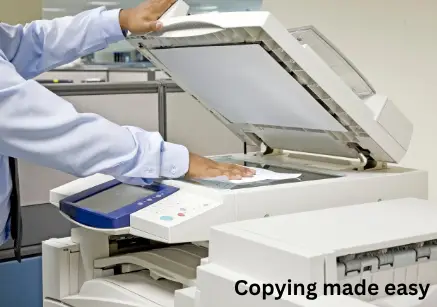
Self Service Increases the number of pages printed and copied.
Ensuring shorter queues and happier customers.
Printing made Easy
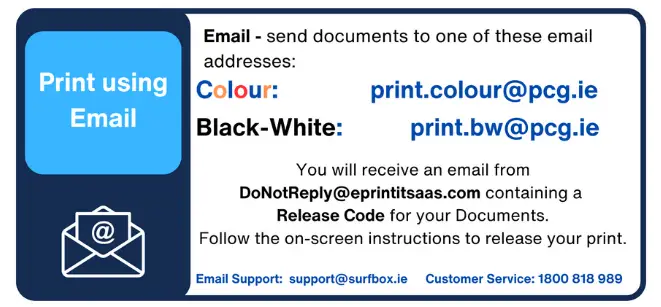
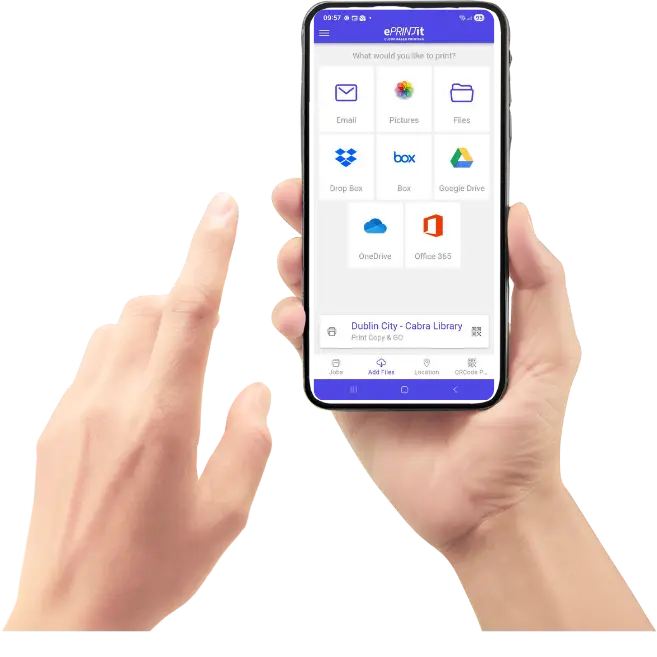
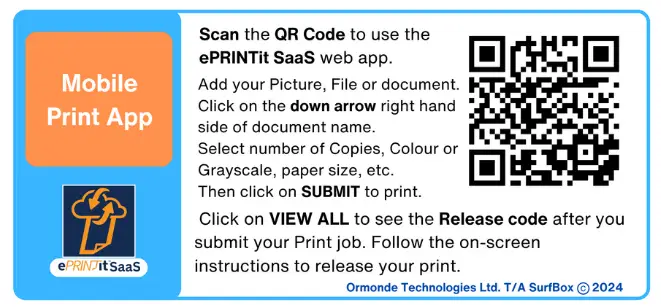
Printing from a phone, tablet, Laptop or PC couldn’t be easier. Simply email your document or photo, enter the release code received back at the kiosk to print. Alternatively use the QR code to access the ePRINTit SaaS web app.
Upload your document via Web App
Easy to upload a document or image using the ePRINTit SaaS web app. Send your Print and pay at the kiosk.
Email Printing
Email you document or image for Black- White or Colour Printing. Easy, Fast and Reliable.
Kiosk Models and Options
SurfBox offers a full range of kiosk configurations to suit different environments and user volumes.
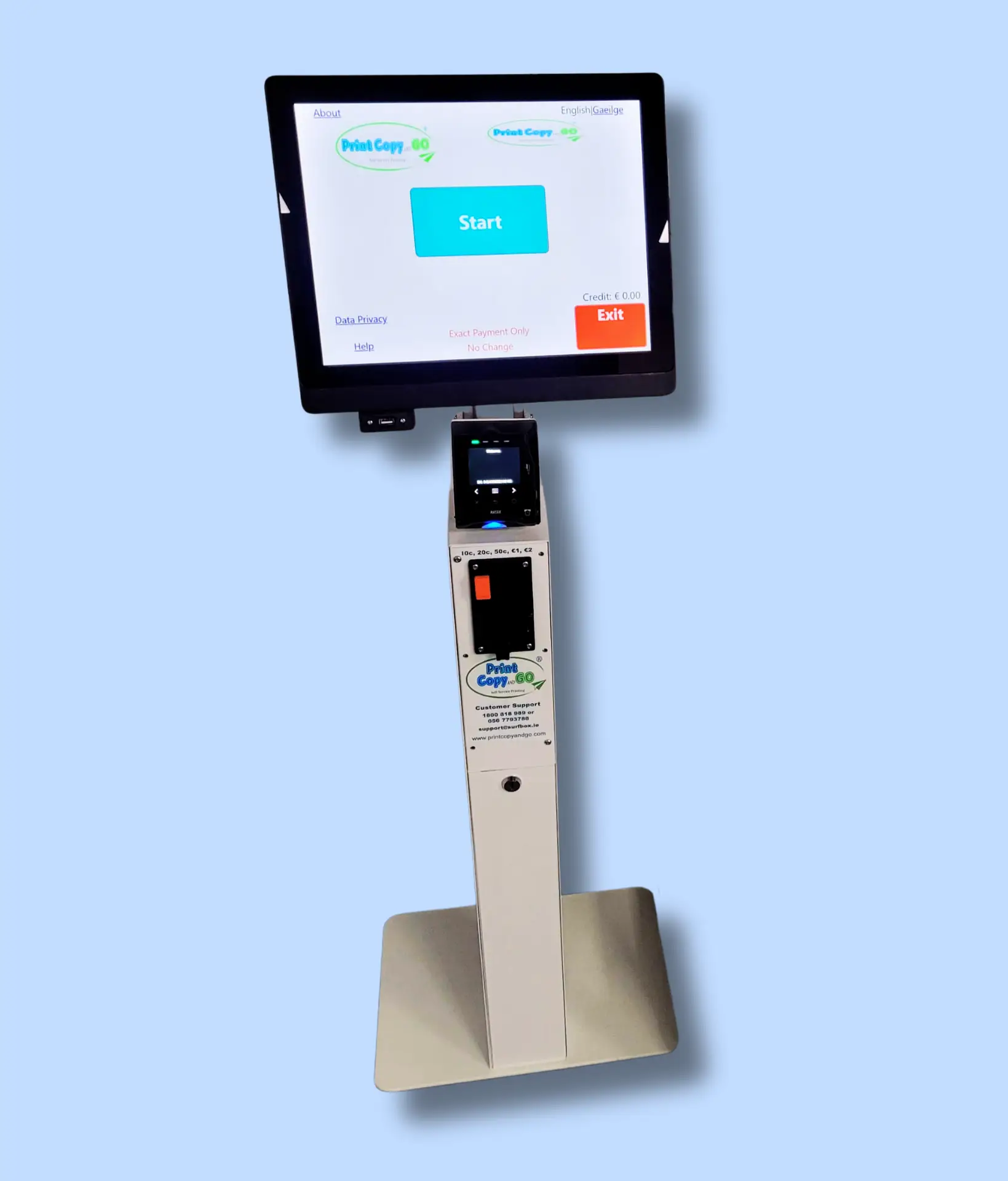
Card and Coin Payment Kiosk
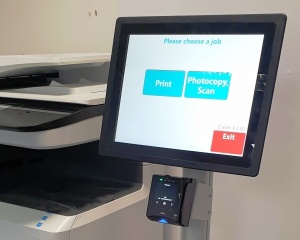
PCG-K200 Plus kiosk Provides Contactless card payment and Coin Payment
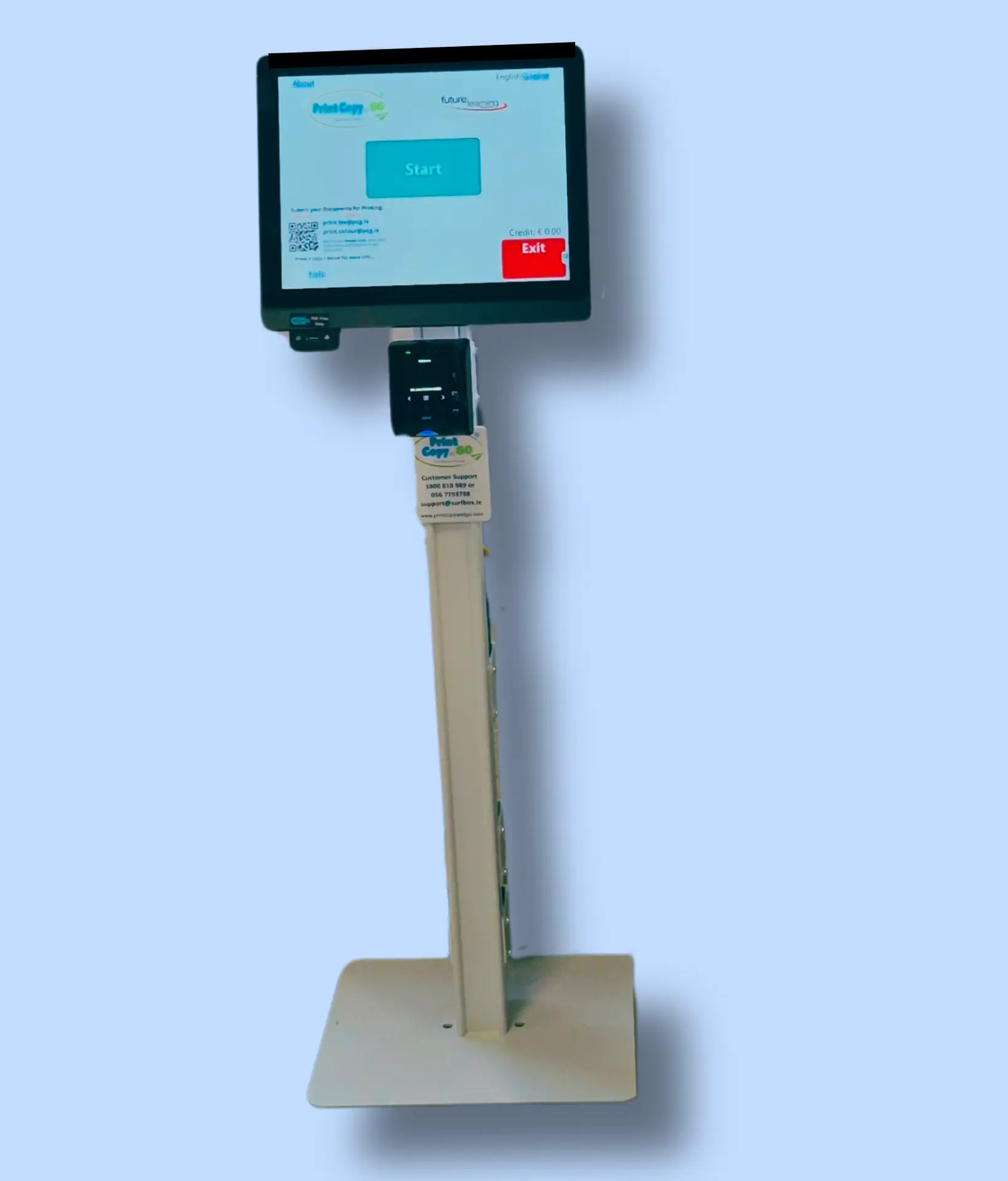
Contactless Card Payment Kiosk
PCG-K200 kiosk provides Contactless card payment
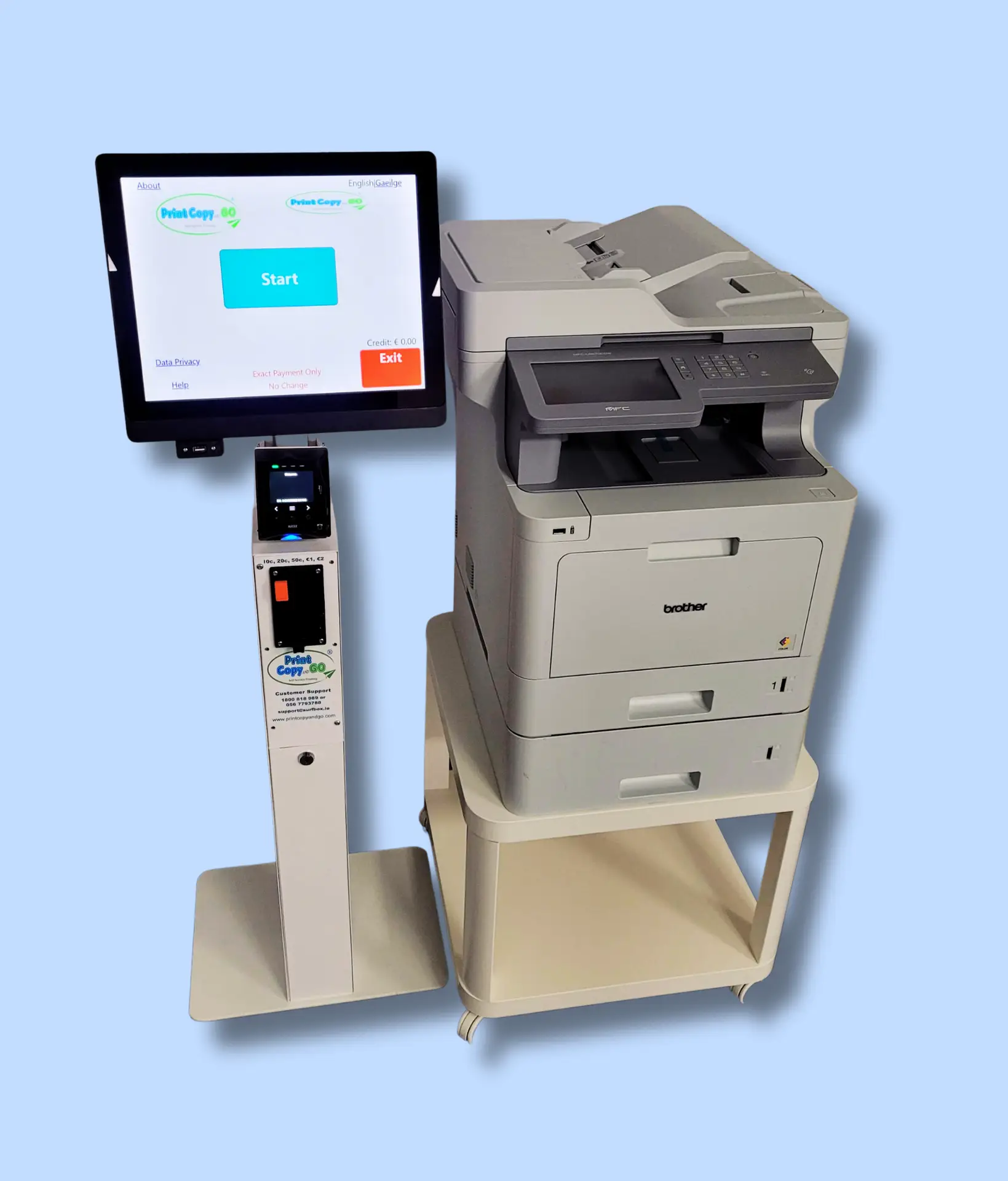
Kiosk and MFP Printer
PCG-K300 kiosk with card and coin payment together with Brother MFP 9670 Printer
Deployment Models
Every SurfBox kiosk runs on our proprietary management platform — giving you complete visibility and control.
Supply & Support
Ideal for organisations that want full ownership.
Purchase or lease the kiosk.
Annual software subscription and optional service contract.
Includes installation, staff training, and remote diagnostics.
Revenue Share / Outsourced
Perfect for institutions seeking a no‑cost, turnkey solution.
SurfBox supplies kiosk and Printer, software, and consumables.
We handle payments, servicing, and paper replenishment.
Your organisation receives a share of every print transaction.
Satisfied Clients Share Their Stories

Wexford County Librarian
“SurfBox provides Excellent printing service to our libraries."

Dublin City Libraries
“They provide a great service for our shoppers."

Pavillions Shopping Centre
I needed to print a return Amazon label. I popped into Dundrum Library and was able to Print it directly from my mobile phone via email on the SurfBox Kiosk.

Retired
I used the SurfBox self service print kiosk in The Square Shopping Centre. So easy and convenient to use, great value.

Account Manager
Ready to Bring Self‑Service Printing to Your Institution?
Join hundreds of libraries, councils, and schools across Ireland and the UK who trust SurfBox for smart print solutions.

“Print Copy and Go provide an excellent service for our users. They are very responsive and great value for money."